Spotted a post by @Solitude in the MyBroadband thread about the Game Pass price increases and thought it might be worthwhile to have a discussion specifically about that here.
Has anyone tried building a gaming console–like PC for living room use?
My journey down this road started because I wanted to switch away from Windows to Linux. However, the great thing about a PC is you can run whatever you like.
Steam Big Picture mode is looking good, plus you can set your PC to boot into Steam and launch Big Picture automagically. Homebrew Steambox!
Has anyone tried this? Does it work reasonably well? Is there a nice clean way to launch streaming apps that doesn’t require keeping a bluetooth keyboard and mouse around to run them through the browser?
P.S. This thread title will probably change to something more generally applicable down the line.
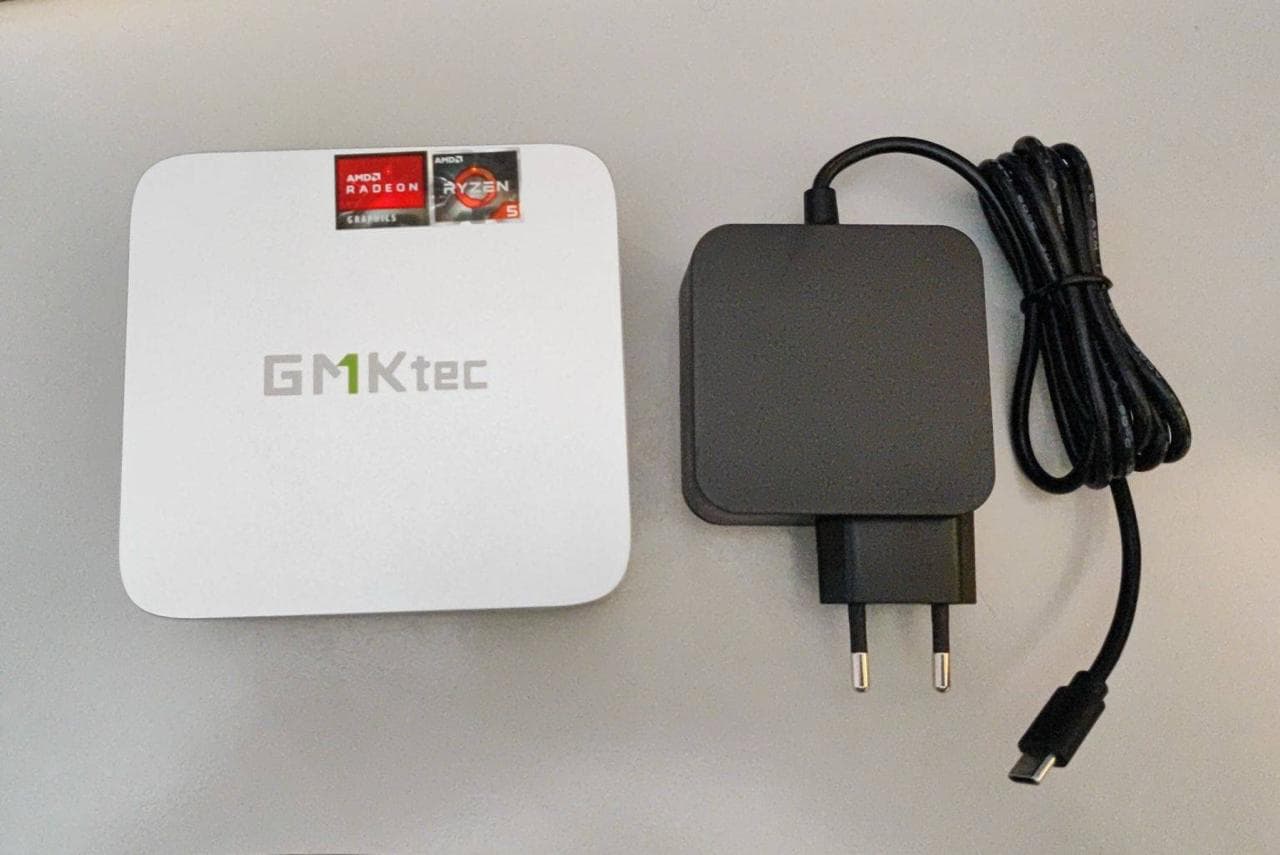
This will be my new media machine and TV games. Natively it will run emulators and some less taxing games, everything else will Steam Stream from my PC
I have a PC in the lounge that my kids play on. Its ideal for co-op games around the bigger screen of the TV and helps free up my gaming PC from the kids’ sessions.
However, this is not a media PC in the usual sense of being able to control it via a remote, for example. This is an older PC with an AMD 5600 CPU (I think, not sure. 6 core, 12 thread), some DDr4 ram and my old GTX 1080ti.
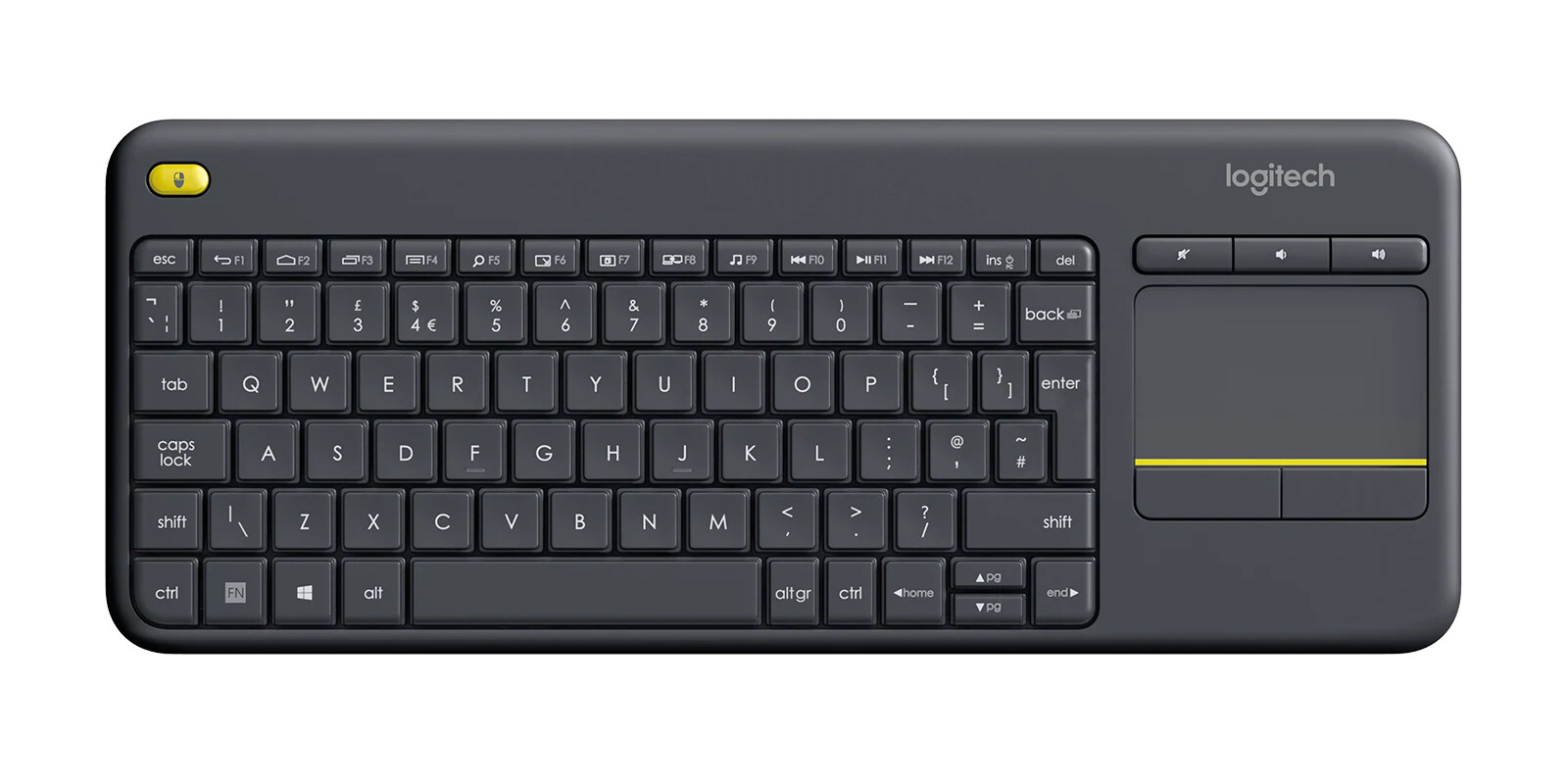
The PC is in the room next door so that the PC noise does not make a noise when things heat up. An extended HDMI cable and a long USB cable sort connectivity to the lounge.
The kids each have a login to Windows, with their own Steam profiles and a Family shared library of allowed games. They use a wireless keyboard and mouse combo thing to kick off everything, then an Xbox controller via the official Xbox Wireless adapter (Windows has a bluetooth limitation of 2 controllers or something that the wireless adapter fixes).
Now, I know this is not quite the setup we are talking about, since it does not run SteamOS. However, I bring this up because the Windows OS used on the Xbox Ally will reportedly be made available for other devices. If this means I can run all my launchers and games from a controller interface, then I will be VERY interested in “upgrading” this PC to be more controller friendly!
I am not particularly OS biased, and would love to be able to have a memory efficient OS, than can run all my games, and allow for multiple users like I do now, whatever that turns out to be SteamOS, Windows, you name it.
EDIT: I should say that my media consumption is handled by a Shield Pro, so no need for the usual Netflix type app on the PC.
It’ll take a bit of tinkering, but I’m sure you can use Windows app, figure out the keyboard shortcuts, and map an xbox controller… But a good remote control has always been the holy grail of this sort of HTPC for me. A good wifi/bt based remote that doesn’t try to be a smart home hub and cost as much as the entire HTPC is the dream. Come to think of it, a replacement xiaomi mi box (3rd party) works via BT, and is pretty good, might be able to map it to the native apps. Keep that thing around for streaming apps.
Bazzite, steam UI, auto login, connect your favourite controller, let pc power save and turn off when idle. Steam stream unsupported games. This is all dead easy if you can read.
Add media streaming apps as launchers in steam.Will need some technical koppernocity for last step.
 SteamOS, Windows, you name it.